All specialisations
Specialisation · 01/11

Artificial Intelligence & Data Analytics

Teach machines to see, listen and decide — by understanding how we do.

Levels

3

Primary · Middle · Senior

Outcomes

5

Skills children walk away with

Pathways

5

Future careers unlocked

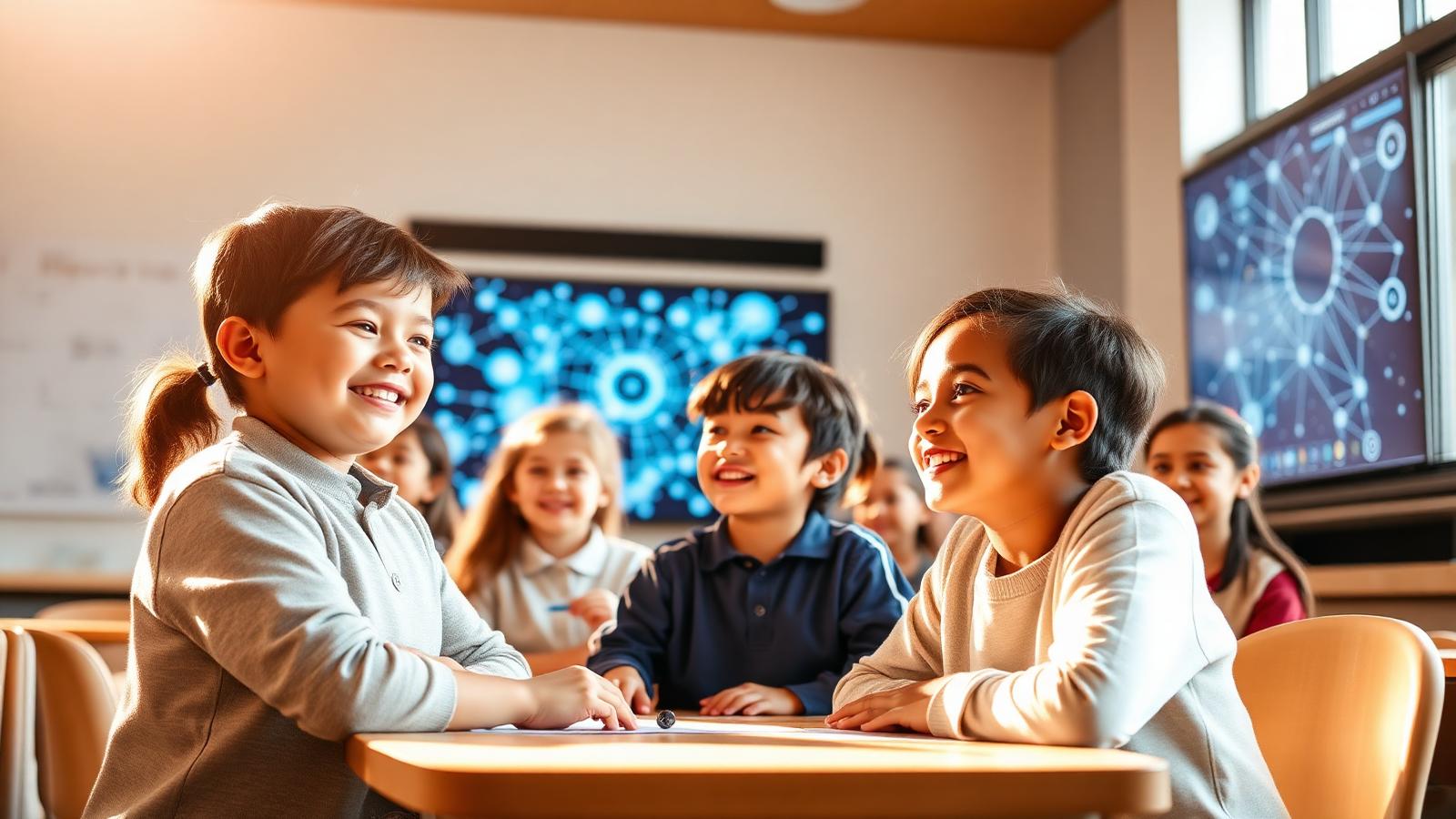
A classroom meets its first neural network.

The idea

AI is no longer a specialist pursuit — it is the defining technical literacy of this generation. NASCA introduces foundational AI from Grade 3 and launches the formal stream from Grade 6, taking students from data collection and supervised learning through neural networks, NLP and generative AI. Students train and evaluate their own models, design prompts for large language models, interpret AI outputs critically, and apply data analytics to real-world problems aligned with the UN Sustainable Development Goals.

Inside the stream — a story

The day your child stops being afraid of the machine.

Artificial Intelligence is no longer something children read about. It is the new clay — and we hand it to them, gently, on day one. This is the story of how a child becomes a maker of intelligence, not just a user of it.

‘Look — the computer learned my face.’

It always begins the same way. A laptop, a webcam, a child holding up a hand-drawn paper cat. Click. The screen lights up: cat — 92%. The room goes quiet for half a second, then breaks into laughter.

That moment — when the magic stops being magic and starts being mechanism — is the door we walk through. From that day, AI is no longer something that happens to them. It is something they can shape.

‘So the computer doesn't actually know? It just guessed really well?’

Numbers turn into stories.

Children spend a fortnight collecting their own data — favourite snacks, sleep hours, recess minutes. Spreadsheets stop being boring grids and start whispering secrets.

By week three they are spotting patterns adults miss. ‘Wait — every time we have screen time after 8pm, our reaction-time drops the next morning.’ They prove it. They plot it. They argue about it. They are doing science.

They train it. They break it. They train it again.

Now comes the workshop. Children build an image classifier that recognises the pieces of a chess set. Most of them get cocky. They show off. Then a friend holds up a coffee mug — and the model insists, with full confidence, that it is a knight.

This is the most important lesson AI teaches: confidence is not correctness. We let them feel it. We let them fix it. They learn that more data, better data, and humility — in that order — beat any clever trick.

Confidence is not correctness — and we want them to feel that early.

Whose voice is missing from the data?

We do not teach AI ethics with slides. We teach it with stories. A real hospital model that worked beautifully for one group of patients and quietly failed others. A camera that could not see darker skin. A grading algorithm that punished children for being from the wrong postcode.

Then we ask the children: how did this happen? And — more powerfully — how would you have caught it before launch? The answers, every time, are sharper than the ones adults give.

Meet AI Buddy — your child's first product.

By the end of the year every child has shipped one personal assistant. One girl built a study buddy that quizzes her grandmother in Hindi. One boy built a recipe coach that asks what is in the fridge and suggests a meal for a child cook.

On demo day, parents do not see slides. They see working products. They watch their own children stand up, take questions, defend choices, admit limits, and bow. That bow — earned, not performed — is the real graduation.

Demo day is the only exam that matters.

A scene from a real classroom

A 12-year-old, mid-demo, pauses, looks at the audience and says: ‘I want to be honest — my model is wrong about 1 in 10 times. Here is when, and here is why I haven't fixed it yet.’ The room exhales. That is what we are building.

By the end of the journey your child will not ask ‘what can AI do?’ They will ask ‘what should we build, and for whom, and why?’ That is the difference between literacy and fluency. We teach fluency.

— End of story · Read on for the curriculum

The journey

A four-stage arc

01

Spark

Play with pre-trained models — see AI react to your face, voice and drawings.

02

Frame

Pick a real problem at home or school and define what ‘smart’ would look like.

03

Train

Collect data, label it, train a model and stress-test the edge cases.

04

Ship

Wrap the model in a friendly app and present it as a working product demo.

Signature project

Flagship build

Build your own AI Buddy

A multimodal assistant that learns the child’s interests, recognises images they take, and answers in their own voice.

Why it matters

AI is no longer a future skill — it is the literacy of this decade. Children who learn to build and question AI early grow up as confident creators rather than passive users, and develop the judgement to use it responsibly.

A typical session

  1. 01Open with a real-world AI moment in the news
  2. 02Explore a small dataset together
  3. 03Hands-on lab: train, test, break, retrain
  4. 04Ethics circle: who wins, who loses?
  5. 05Ship-it Friday: demo to peers

The curriculum

What they actually learn

Six modules across an academic year. Every module is hands-on, project-led and ends with something children have built and can show.

M01Weeks 1–3

How machines learn

  • What is data, really? Tabular, text, image, audio
  • Supervised vs unsupervised — through everyday games
  • Train your first image classifier in Teachable Machine
  • Why models get things wrong — bias and blind spots
M02Weeks 4–6

Working with data

  • Collect, clean and label your own dataset
  • Spreadsheets to Pandas — same idea, more power
  • Plot, summarise and tell a story with charts
  • Spot outliers and missing values like a detective
M03Weeks 7–9

Language and chat

  • How a language model predicts the next word
  • Prompting like a pro — clarity, role, examples
  • Build a chatbot with memory and a personality
  • Hallucinations: why they happen, how to catch them
M04Weeks 10–12

Vision and audio

  • Convolutional intuition without the math
  • Build a hand-sign recogniser using webcam data
  • Speech-to-text experiments in the classroom
  • Stress test: where does the model fail?
M05Weeks 13–15

Ethics, agency and impact

  • Datasets are opinions written in numbers
  • Privacy, consent and what should never be trained
  • Case studies: AI that helped, AI that harmed
  • Write a one-page AI ethics charter for your project
M06Weeks 16–18

Capstone: AI Buddy

  • Pick a real user — sibling, grandparent, classmate
  • Design, train and deploy a personalised assistant
  • Run a usability test and iterate
  • Demo day: pitch in 3 minutes to a panel

Showcase moments

Three highlights through the year

  1. Term 1

    Mini Model Fair

    Each child shows a working model trained on a dataset they collected themselves.

  2. Term 2

    Data Story Night

    Students present a data-driven story to parents using their own dashboards.

  3. Term 3

    AI Buddy Demo Day

    A live showcase of personalised AI assistants — judged by industry mentors.

For parents

Your child will not just ‘use ChatGPT’ — they will understand what is happening underneath, and learn to question it. Expect dinner-table debates about bias and fairness.

For teachers & schools

Curriculum is fully scaffolded with lesson plans, datasets, rubrics and parent communication. No prior AI background required — we train you alongside.

What children build

  • Image classifiers
  • Chatbots with memory
  • Data dashboards
  • Recommendation engines
  • Computer-vision games

Tools & tech

PythonPandasTeachable MachineHugging FaceGoogle ColabLLM prompt design

Levels offered

PrimaryMiddleSenior

Outcomes

What they walk away with

01

Frame ML problems

02

Clean and explore data

03

Train & evaluate models

04

Reason about AI ethics

05

Ship a working assistant

Questions parents ask

FAQ

The honest answers to the questions families ask us most.

Does my child need to know coding first?

No. We start with no-code tools and introduce Python only when the child is ready and curious.

What hardware do we need?

A standard school laptop with a webcam is enough. All training runs in the browser or on free cloud notebooks.

Is this safe? Are kids exposed to the open internet?

All tools are sandboxed, classroom-managed, and reviewed for age appropriateness. No personal data leaves the school.

How is progress measured?

Through a portfolio of working projects, peer reviews and a continuous rubric — not high-stakes tests.