M01Weeks 1-4
Precise instructions
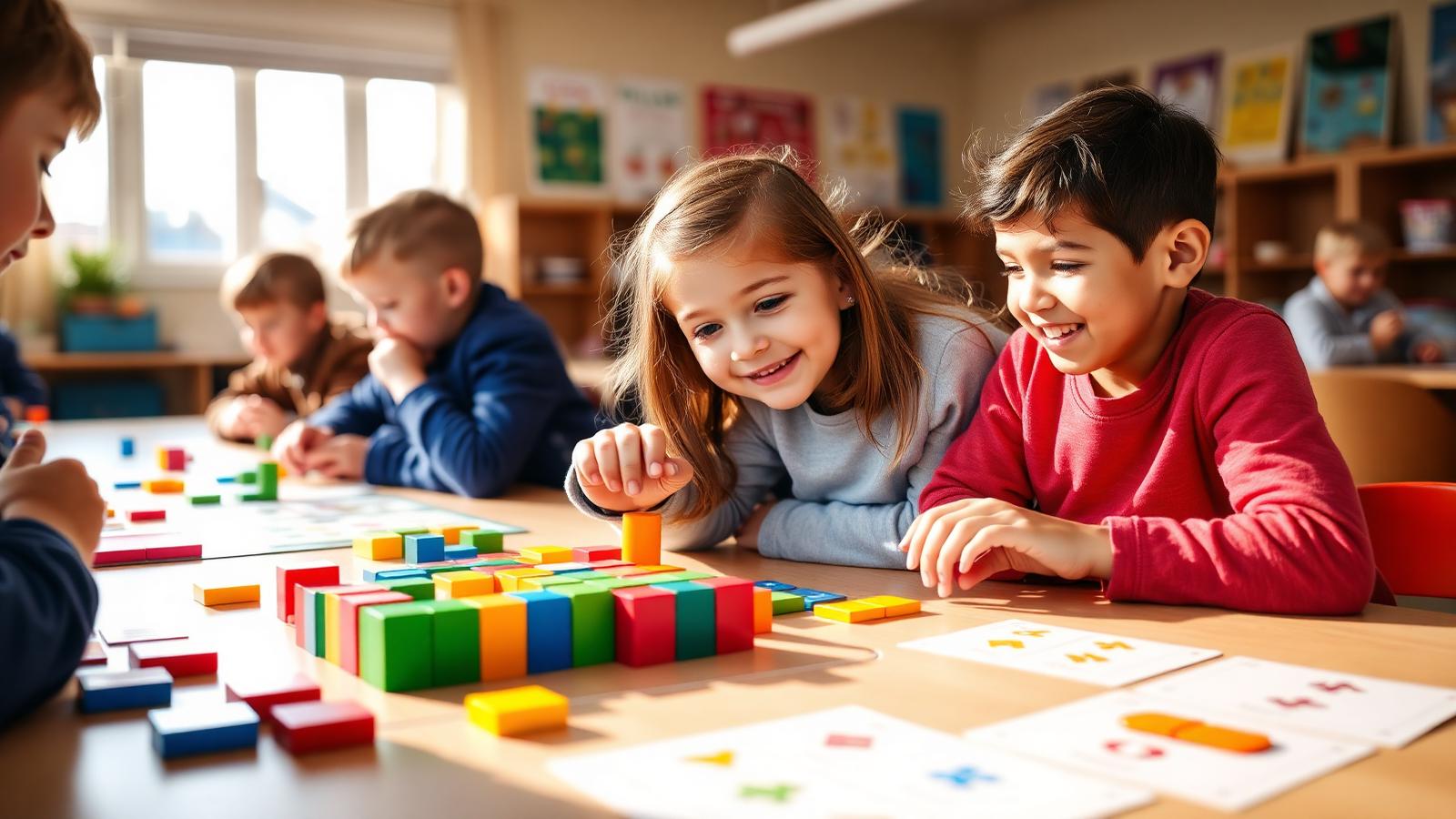
- Unplugged sequencing games
- Blocks in Scratch or Blockly
- Loops and conditions through play
- Say exactly what you mean, and watch it run
“Fluency, not memorised syntax.”
Levels
3
Primary · Middle · Senior
Outcomes
5
Skills children walk away with
Pathways
4
Careers this opens
Quick answer
Coding and Programming at NASCA is a hands-on, project-led specialisation for Primary, Middle, Senior. Students learn Write clean code, Debug systematically, Use data structures and explore careers in Software Engineer, Backend Developer, Automation Engineer. The four-stage journey runs across a full academic year and is World STEM Federation accredited.
Grade 1–12: Blocks to Python to real software, written, broken and fixed by the student.
The idea
Coding at NASCA is treated as a language, so it is practised daily rather than covered once. Children begin unplugged and in blocks, move to Scratch and Blockly, then to Python around Grade 6, and to structured programs with functions, data structures, file handling and version control by senior school. Debugging is taught as a skill in its own right, with deliberate broken code that students diagnose. The measure of progress is simple: can the child build a program nobody in the room has built before?
The journey
Give precise instructions and watch them run.
Loops, conditions, functions, and why they exist.
Write a program with more than one moving part.
Use version control and review a friend's code.
Signature project
Five days, one working program each, written from a blank file and pushed to a public repository.
Why it matters
Coding is a language, and languages are learned by daily use, not by covering a syllabus. Children who write, break and repair their own programs stop seeing software as something other people make.
A typical session
The curriculum
Six modules across an academic year. Every module is hands-on, project-led and ends with something children have built and can show.
Showcase moments
Parents play the games their children built, and lose.
Students diagnose deliberately broken code in front of the class.
Five programs in five days, each pushed to a public repository.
For parents
Expect the first working program to be small and the pride to be enormous. Both are correct.
For teachers & schools
Sessions run as workshops, not lectures. Most of the hour is the child writing code with a teacher circulating.
What children build
Tools & tech
Levels offered
Outcomes
Write clean code
Debug systematically
Use data structures
Read other people's code
Ship a working program
Questions parents ask
The honest answers to the questions families ask us most.
Blocks first, then Python from around Grade 6. Senior students who want JavaScript or C++ are supported inside project work.
No. Computational thinking builds the reasoning. This stream turns that reasoning into working software.
No. Everything runs in the lab, and Replit or Colab covers anyone who wants to continue at home on any device.
Builds a multi-file program with real data, version control and tests, and explains every design decision in it.