M01Weeks 1-4
Thinking in screens
- Who is this for and what do they need in ten seconds
- Paper sketches and flows
- Interface basics: hierarchy, contrast, spacing
- Critique a real app honestly
“The idea in your head, installed on someone else's phone.”
Levels
2
Middle · Senior
Outcomes
5
Skills children walk away with
Pathways
4
Careers this opens
Quick answer
App Development at NASCA is a hands-on, project-led specialisation for Middle, Senior. Students learn Design usable screens, Handle state and data, Test with real users and explore careers in App Developer, Frontend Engineer, Product Designer. The four-stage journey runs across a full academic year and is World STEM Federation accredited.
Grade 6–12: A working app on a real phone, used by real people in the school.
The idea
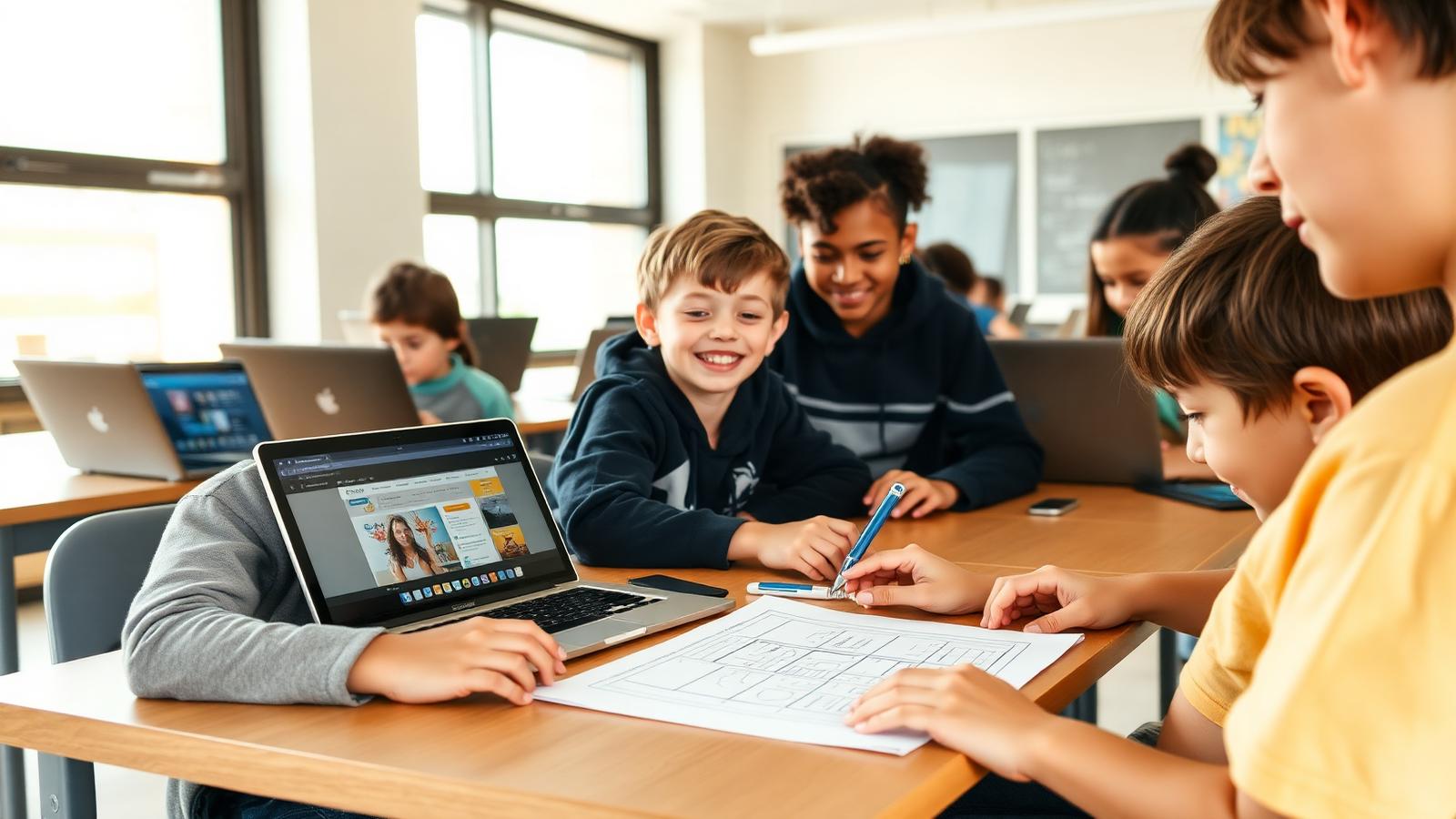
App development is where every other skill has to hold together at once: interface design, logic, data, testing and the patience to fix what users break. Students start with visual builders like MIT App Inventor, then move to modern web apps and cross-platform frameworks. They design screens on paper before writing code, run usability tests with classmates who are not developers, and release at least one app that other students in the school actually install and use. Feedback from real users, not a rubric alone, drives the second version.
The journey
Draw the screens before writing a line of code.
Turn the sketch into something that runs on a phone.
Hand it to someone who has never seen it and watch silently.
Fix what they broke and put version two in their hands.
Signature project
One student-built app adopted for a real school need, maintained by the next cohort after them.
Why it matters
An app is the first thing a child builds that a stranger can use. Design, logic, data and testing must all hold together at once, which is exactly why it teaches so much so fast.
A typical session
The curriculum
Six modules across an academic year. Every module is hands-on, project-led and ends with something children have built and can show.
Showcase moments
Every child installs their own first app and shows a parent.
Younger students test the apps while the builders sit on their hands.
One app is chosen for a real school need and maintained beyond the year.
For parents
The most useful thing you can do is use the app badly and tell your child what confused you. That feedback is gold.
For teachers & schools
Design comes before code in every unit. The visual builder route means a non-programming teacher can run the first term comfortably.
What children build
Tools & tech
Levels offered
Outcomes
Design usable screens
Handle state and data
Test with real users
Fix bugs under pressure
Release a version
Questions parents ask
The honest answers to the questions families ask us most.
Android and progressive web apps, because they install without an approval queue or a developer fee. The skills transfer directly.
No. The lab has test devices, and everything also runs in a browser.
Only with your consent. Most projects are distributed inside the school, which is where the real users are anyway.
Design is taught here as rules and testing, not as talent. Ugly and usable beats beautiful and confusing, and we say so.