
All specialisations
Specialisation · 08/16

Electronics

Make the invisible visible. Every wire, every signal, every volt.

Levels

3

Primary · Middle · Senior

Outcomes

5

Skills children walk away with

Pathways

4

Future careers unlocked

Quick answer

Electronics at NASCA is a hands-on, project-led specialisation for Primary, Middle, Senior. Students learn Read schematics, Wire safe circuits, Debug with a multimeter and explore careers in Embedded Engineer, Hardware Designer, Electronics Technician. The four-stage journey runs across a full academic year and is World STEM Federation accredited.

Grade 1–12: From a single LED to multi-sensor circuits designed, wired and debugged by children.

When a circuit blinks back at you.

The idea

Electronics is where the physical world becomes readable. Students begin with current, voltage and ground through safe hands-on circuits, then move to breadboard prototyping, soldering and microcontroller programming. A full sensor toolkit follows: environmental, proximity, motion, physiological and physical parameters, each wired, calibrated and debugged by the child rather than demonstrated by a teacher. By senior school, students design their own boards, read datasheets without help, and diagnose a dead circuit the way an engineer would.

Inside the stream, a story

The day a child realises the world is full of wires they could rearrange.

Almost every modern object, from a doorbell to a tractor. Is becoming a connected device. Electronics & IoT teaches children to look inside the boxes that run their lives, and design new ones for problems they actually care about.

One LED. One battery. Endless wonder.

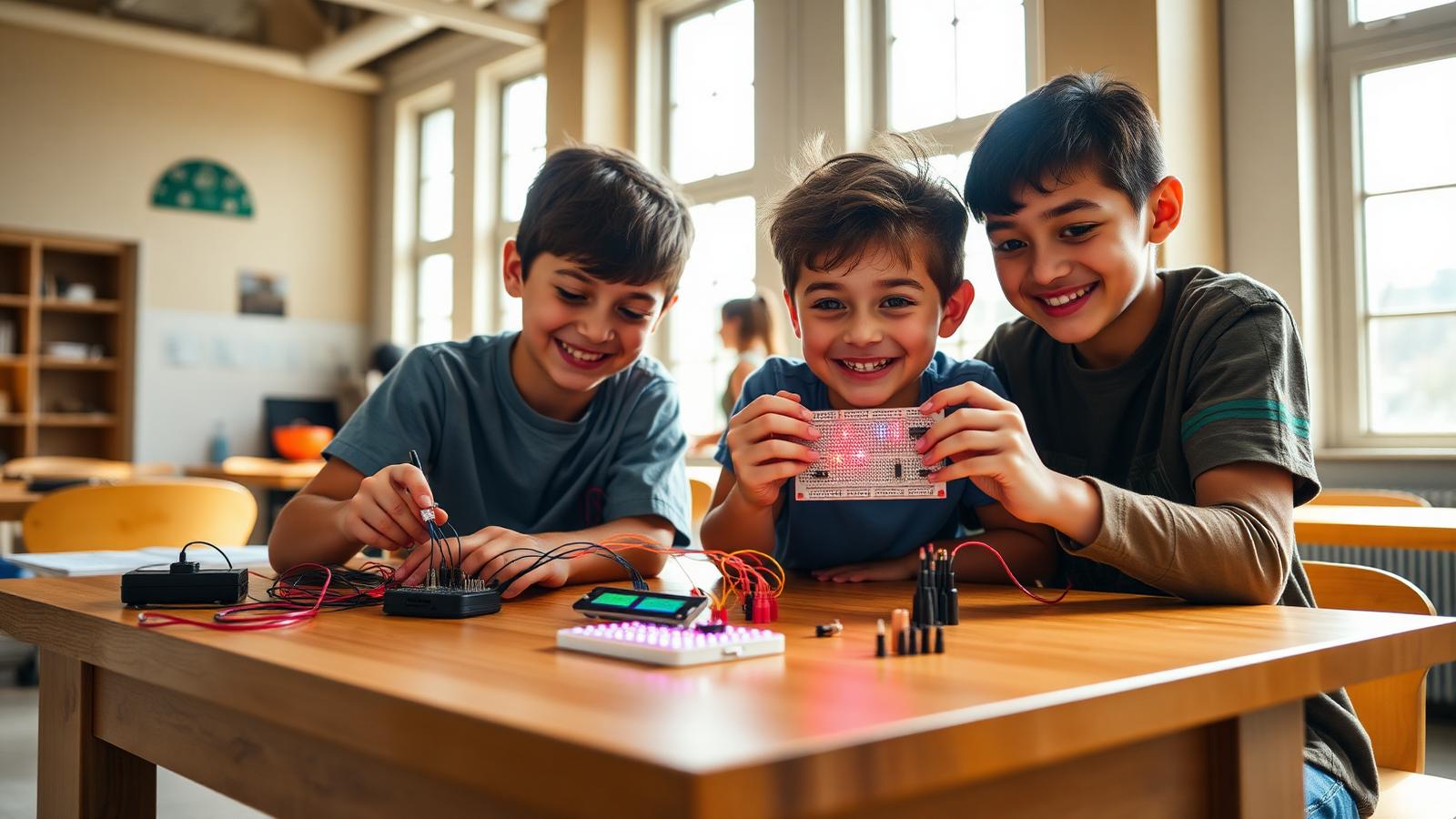
It always starts with a single glow. A child completes a circuit for the first time and watches a tiny LED come to life in their hand. They look up, every time, with the same expression: did I do that?

From that first spark, electricity stops being a chapter in a textbook and becomes a thing they can hold.

Did I do that?

Heat, smoke, and a quiet pride.

We teach soldering carefully and seriously, with the same calm a kitchen teaches knife skills. By the end of the module, even shy children stand a little taller. They have used a real tool to make a real thing.

Their first soldered board goes home in a small box. Many parents tell us it is still on the shelf years later.

Suddenly the room is talking.

Add a temperature sensor, and the classroom has weather. Add a motion sensor, and the door knows when you walk in. Children begin to design tiny ‘what if’ devices: a desk lamp that dims when you slouch; a fish tank that messages your phone if it gets too warm.

The conversation shifts from ‘I want to play that game’ to ‘I want to build that thing’.

Their device speaks to the world.

The first time a child sends a temperature reading from a sensor on their desk to a dashboard on a phone across the room, something clicks. Wires become signals. Signals become data. Data becomes story.

By the end of this module they understand. Properly. What ‘the internet of things’ actually means.

Wires become signals. Signals become data. Data becomes story.

Class-Air Live: a school that knows how it breathes.

Each classroom adopts an air-quality node, designed and assembled by students. The nodes stream live to a public dashboard. The school's PTA, for the first time, has data to act on.

Children present findings to leadership. Real changes happen. Air purifiers, ventilation policies, planting schedules. They learn the most addictive lesson in engineering: a thing you built changed how the adults behave.

A scene from a real classroom

On parents' evening a 10-year-old stands beside her air-quality node and says, quite seriously, ‘Our classroom is fine before lunch. Then it gets bad. We think it's because the windows shut at noon.’ The principal opens his notebook.

Electronics teaches children that the modern world is not a sealed box. It is built from parts they understand, and improved, often, by parts they choose.

. End of story · Read on for the curriculum

The journey

A four-stage arc

01

Spark

First circuit, first blink. Current, voltage, ground.

02

Sense

Add real sensors. Temperature, motion, sound, light.

03

Build

Prototype, solder and package a working device.

04

Diagnose

Find the fault, fix it, and explain what went wrong.

Signature project

Flagship build

The Board You Designed

A student-designed circuit board, from schematic to soldered working device, carried home in a hand.

Why it matters

Almost every modern object, from a watch to a tractor. Is becoming a connected device. Electronics & IoT teaches children to look inside the boxes that run their world, and to design new ones that solve local problems.

A typical session

  1. 01Show-and-tell a real connected device
  2. 02Sketch a circuit before you wire it
  3. 03Build, measure, debug with a multimeter
  4. 04Push a reading to the cloud and watch it appear
  5. 05Reflect on what could break, and how to harden it

The curriculum

What they actually learn

Six modules across an academic year. Every module is hands-on, project-led and ends with something children have built and can show.

M01Weeks 1–3

Circuit fundamentals

  • Voltage, current, resistance. Felt with LEDs and batteries
  • Read schematics like a map
  • Solder safely on a practice board
  • Build a working torch from scratch
M02Weeks 4–6

Microcontrollers

  • Arduino vs ESP32, when to use which
  • Digital and analog pins explained
  • Blink, fade, then make a traffic light
  • Power management for portable builds
M03Weeks 7–9

Sensors and actuators

  • Temperature, humidity, light, motion, sound
  • Drive servos, buzzers, OLED screens
  • Calibration and error handling
  • Build a smart night-lamp prototype
M04Weeks 10–12

Connectivity

  • Wi-Fi basics on the ESP32
  • Send data to the cloud with MQTT and HTTP
  • Visualise live data on a dashboard
  • Trigger actions remotely from a phone
M05Weeks 13–15

Systems thinking

  • Reliability, fail-safes, redundancy
  • Battery life and power budgeting
  • Privacy and security in IoT
  • Plan a multi-device system, not just a gadget
M06Weeks 16–18

Capstone: Class-Air Live

  • Build air-quality sensor nodes for each classroom
  • Stream readings to a school-wide live dashboard
  • Set thresholds that alert when air dips
  • Present findings to school leadership

Showcase moments

Three highlights through the year

  1. Term 1

    Solder & Glow

    First-light night, every child’s first soldered LED display.

  2. Term 2

    Sense the School

    Students deploy sensors around campus and visualise live data.

  3. Term 3

    Class-Air Live

    Public dashboard with daily air-quality readings, owned and run by students.

For parents

Your child will start to notice, and want to improve, the electronics around them. Be ready for opinions on your home automation choices.

For teachers & schools

Each module ships with bill-of-materials, wiring diagrams, code snippets and a troubleshooting guide. Suitable for teachers without a hardware background.

What children build

  • Breadboard circuits
  • Sensor rigs
  • Soldered boards
  • Wearables
  • Battery-powered devices

Tools & tech

ArduinoBreadboardsMultimetersSoldering stationsSensor kitsTinkercad Circuits

Levels offered

PrimaryMiddleSenior

Outcomes

What they walk away with

01

Read schematics

02

Wire safe circuits

03

Debug with a multimeter

04

Read a datasheet

05

Think in systems

Questions parents ask

FAQ

The honest answers to the questions families ask us most.

Is soldering safe for children?

We introduce soldering only at age-appropriate stages, with strict safety protocols and supervision.

What does the lab cost to set up?

We offer tiered kits. Starter, standard, advanced, and can co-design a lab to fit any budget.

Will children be exposed to mains electricity?

Never. All projects are low-voltage and battery or USB-powered.

Do they keep their projects?

Yes. Most builds go home at the end of each module, along with a project journal.