
M01Weeks 1-4
What a sensor really does
- Analogue and digital signals
- Voltage dividers made simple
- First readings from light and temperature
- Why two identical sensors disagree
“Input, decision, movement. The loop every machine lives inside.”
Levels
3
Primary · Middle · Senior
Outcomes
5
Skills children walk away with
Pathways
4
Careers this opens
Quick answer
Sensors and Actuators at NASCA is a hands-on, project-led specialisation for Primary, Middle, Senior. Students learn Choose the right sensor, Calibrate and filter signals, Drive actuators safely and explore careers in Mechatronics Engineer, Automation Engineer, Instrumentation Engineer. The four-stage journey runs across a full academic year and is World STEM Federation accredited.
Grade 3–12: Reading the world accurately, then acting on it precisely.
The idea
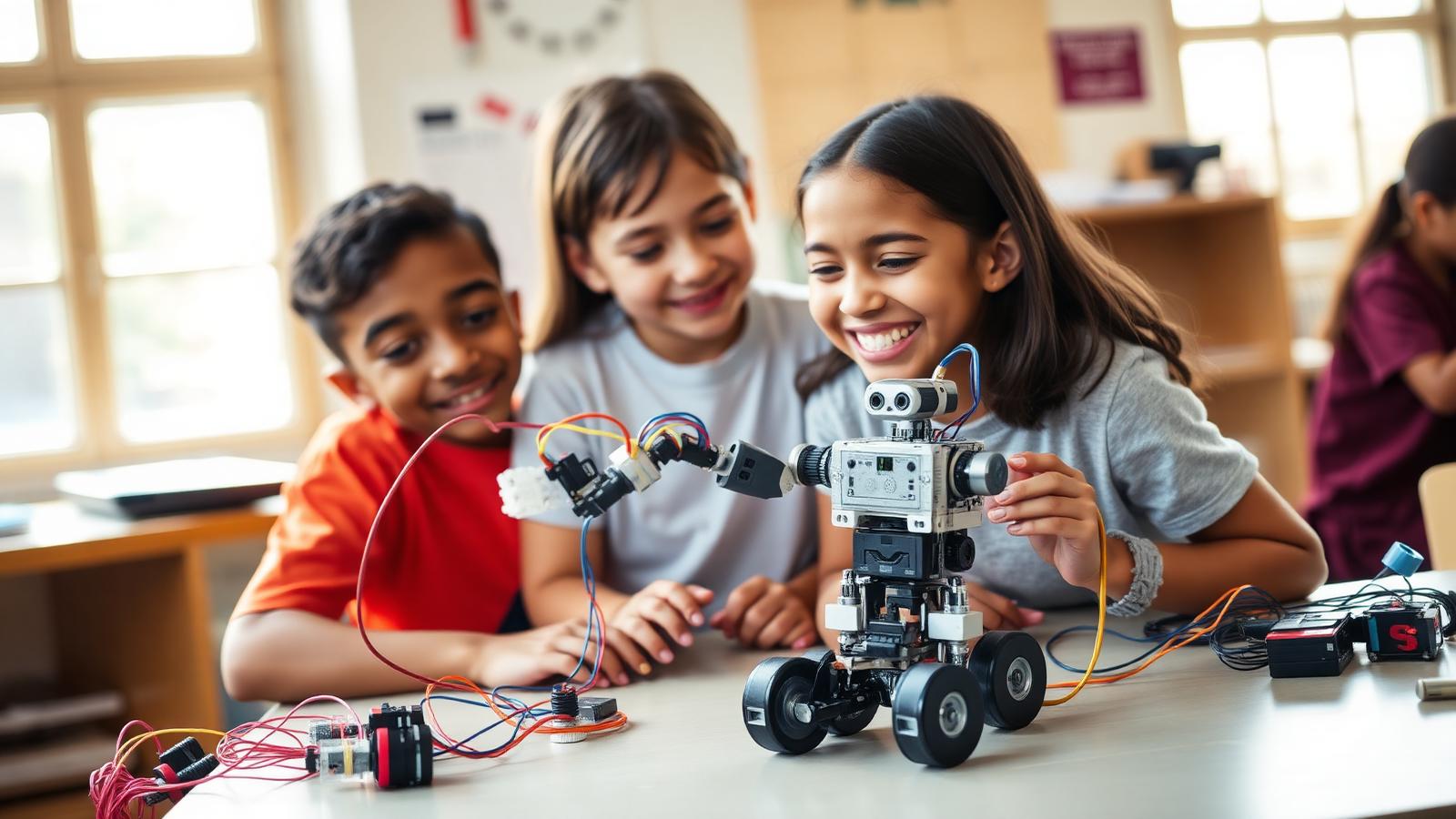
This stream isolates the part of robotics that students most often skip: the quality of the signal. Children work through ultrasonic, infrared, PIR, gyroscope, accelerometer, flex, gas, humidity, light and pulse-rate sensors, learning what each one really measures and where it lies. On the output side, they drive servos, DC and stepper motors, relays, solenoids, buzzers and displays. Calibration, noise, drift and safe current limits are taught explicitly, because a robot that behaves is almost always a sensor that was calibrated well.
The journey
Get a first reading and learn how wrong it is.
Filter the noise until the number can be trusted.
Drive a motor from a live sensor value.
Build a system that corrects itself without help.
Signature project
A device that must work in changing light, noise and temperature, tested until it stops lying about what it senses.
Why it matters
Most failed robots are not badly coded, they are badly sensed. Teaching signal quality early gives children machines that behave, and the patience to find out why when they do not.
A typical session
The curriculum
Six modules across an academic year. Every module is hands-on, project-led and ends with something children have built and can show.
Showcase moments
Two identical sensors, two different numbers, one very good explanation.
Every child drives an actuator from their own live sensor reading.
Devices are judged in the corridor, the field and a dark room.
For parents
This is the stream where patience is the subject. Children learn that a machine which works once is not a machine that works.
For teachers & schools
Sensor kits are shared and reusable across grades. Wiring safety rules are taught in the first session and enforced throughout.
What children build
Tools & tech
Levels offered
Outcomes
Choose the right sensor
Calibrate and filter signals
Drive actuators safely
Close a control loop
Diagnose faulty readings
Questions parents ask
The honest answers to the questions families ask us most.
It is the part of robotics students usually rush. Taught on its own, it makes every later robotics project measurably more reliable.
Yes. Everything runs on low-voltage battery or USB power, with current limits, drivers and supervision built into the lab protocol.
Grade-appropriate arithmetic to begin. Averaging and simple proportional control arrive in the middle years.
Yes, and it usually is. A calibrated sensor is what makes an IoT dashboard worth reading.